In 2026, the transition from “Chatbots” to “AI Agents” is complete. While a chatbot merely talks, an AI Agent thinks, plans, and executes actions across your software stack. If you want to build an AI agent that actually produces work, you need to move beyond simple prompting and into agentic architecture.
This guide provides a human-centric, technical roadmap to building your first autonomous agent.
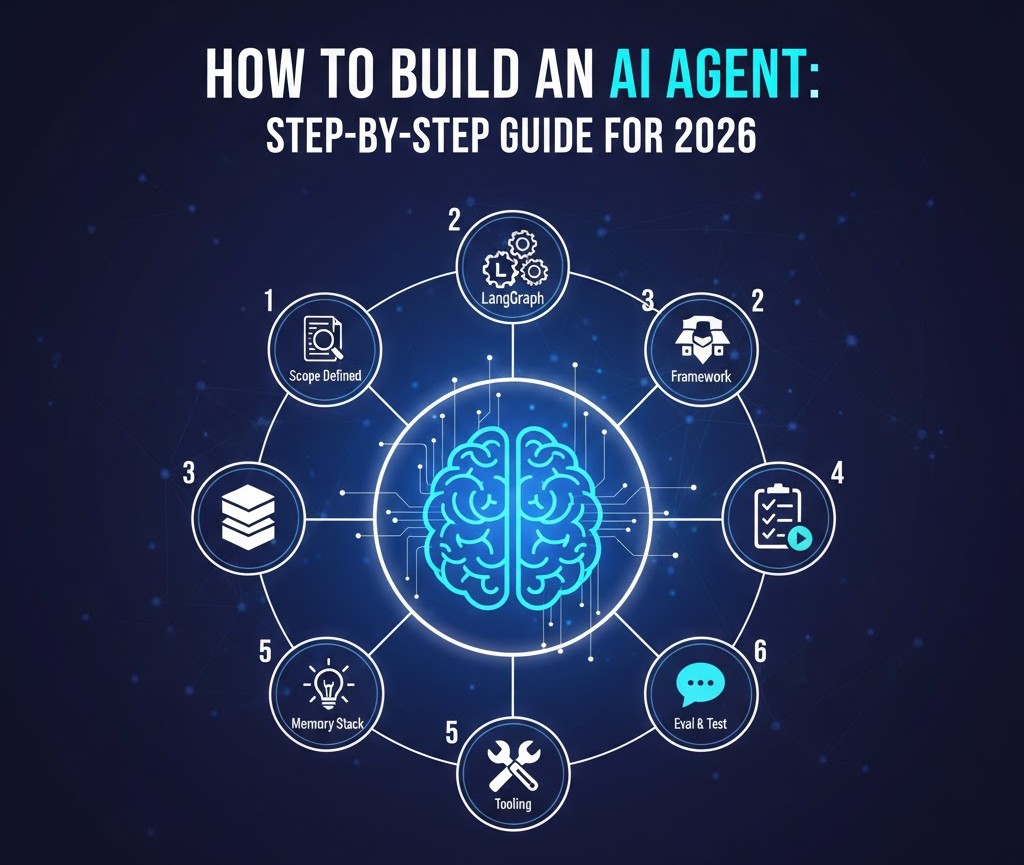
How to Build an AI Agent: Step-by-Step Guide for 2026
Step 1: Define the “Scope of Agency”
The most common failure in those trying to build an AI agent is making the scope too broad. An agent needs a “Definition of Done.”
- Action: Write a single sentence mission. “This agent will monitor my ‘Inbound’ Slack channel and draft Trello cards for every feature request.”
- Key Metric: Success rate of card creation without human editing.
Step 2: Select Your Orchestration Framework
You don’t need to build the “brain” from scratch. In 2026, several frameworks provide the backbone for tool-calling and memory.
- LangGraph: Best for complex, stateful agents that need to “loop” back and retry tasks.
- CrewAI: Ideal for multi-agent systems where one agent “researches” and another “writes.”
- Microsoft AutoGen: Perfect for event-driven, autonomous collaboration.
Step 3: Architect the Three-Layer Memory
To build an AI agent that doesn’t “forget” context mid-task, you must implement a layered memory system:
- Short-term (Buffer): Stores the current conversation or task steps.
- Working (Scratchpad): Where the agent “thinks out loud” (Chain of Thought).
- Long-term (Vector Database): Uses tools like Pinecone or Weaviate to recall historical data and past user preferences.
Step 4: Tool Integration (The Action Layer)
An agent is blind without tools. You must give it “capabilities” via API connections.
- Read Tools: Searching the web (Perplexity API), reading emails (Gmail API).
- Write Tools: Updating a CRM (Salesforce), sending a message (Slack API), or executing code (Python Interpreter).
- Guardrails: Always implement a “Human-in-the-Loop” (HITL) check for irreversible actions like payments or deletions.
Step 5: The “ReAct” Prompting Strategy
When you build an AI agent, your system prompt shouldn’t just say “be helpful.” It should follow the ReAct (Reason + Act) pattern:
- Thought: The agent explains why it is choosing a specific tool.
- Action: The agent executes the tool call.
- Observation: The agent reads the output of the tool and decides if the goal is met.
Step 6: Testing with “Agentic Eval”
Unlike traditional software, agents are non-deterministic. Test your agent against 20–50 “edge case” scenarios (e.g., “What if the API is down?” or “What if the user’s request is ambiguous?”). Refine the system instructions until the agent fails gracefully instead of hallucinating.
Conclusion
Don’t Reinvent the Wheel
Before you build an AI agent to handle every single task, ensure you aren’t duplicating work that existing platforms already master. Many developers find that a hybrid approach—integrating their custom agents with established software—yields the best results.
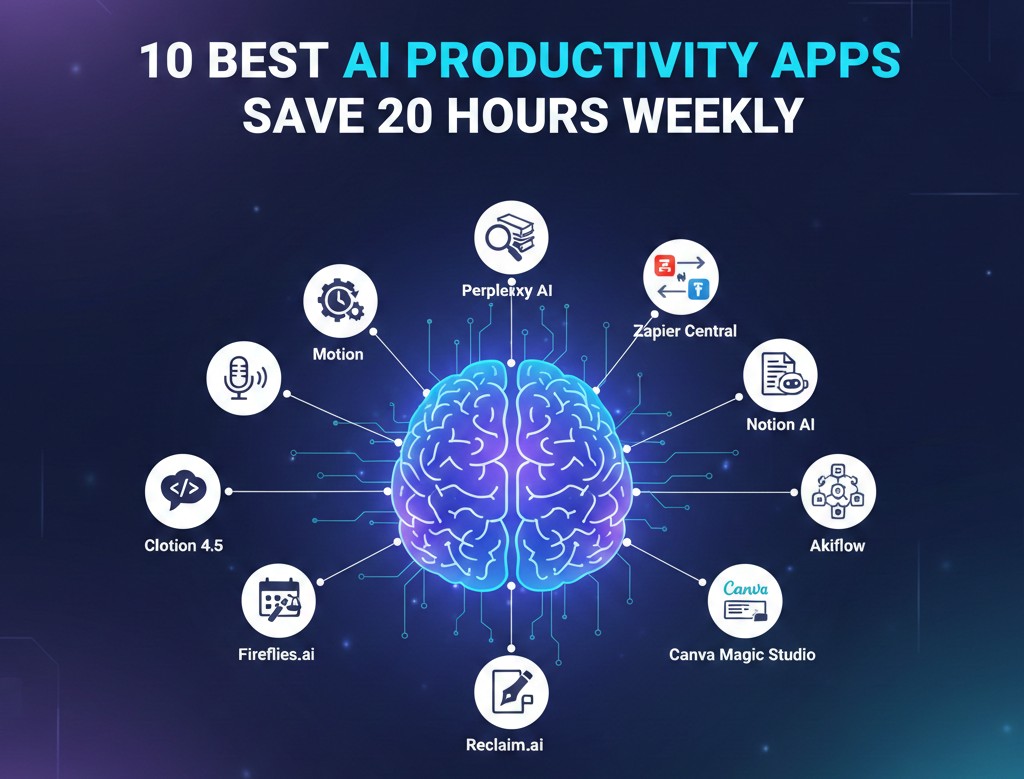
- Internal Link: Check out our list of the 10 best AI productivity apps to see which tools your new agent should connect with or replace.
- Why it works: It provides a “resource list” for the developer who needs to know what tools are already available to integrate via API.
Essential Links & Resources
- Frameworks: LangGraph Documentation | CrewAI Open Source
- Vector Memory: Pinecone Vector DB | Weaviate
- Learning: Microsoft: AI Agents for Beginners
A comprehensive look at building AI agents from scratch
This video provides a foundational understanding of the neural networks and transformers that power modern agentic behavior, which is crucial before diving into the code.